Finding Borrowers
Find active borrowers in your credit box using Elementix's filters.
The People page lets you search for borrowers based on their loan activity. All borrowers are pre-skip traced, and each person's activity includes loans across all of their associated LLCs. Use the sidebar filters to define the loan characteristics you're looking for — the table shows matching borrowers along with their loan count, volume, and lenders.
Example Credit Box Filters
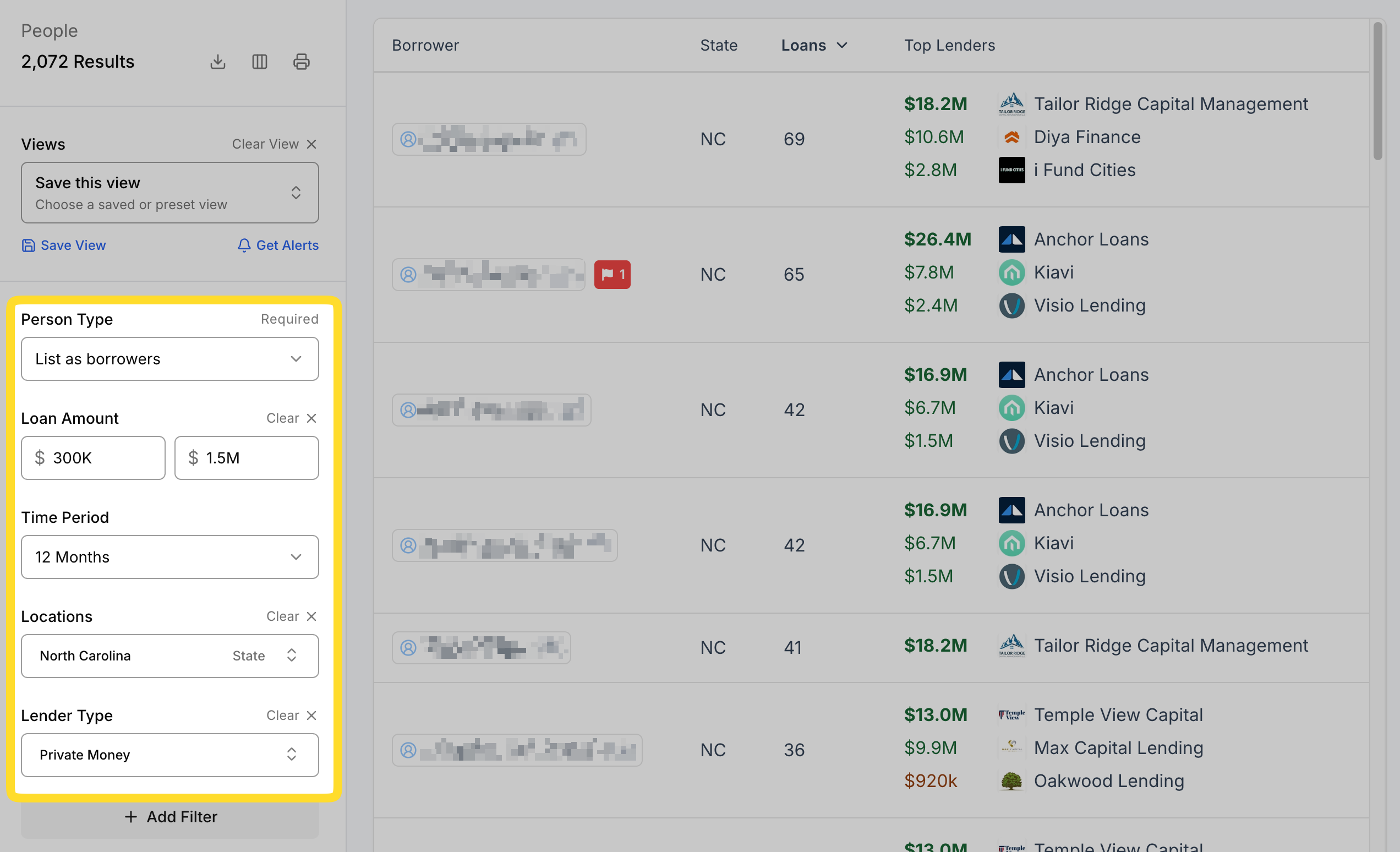
To find borrowers in North Carolina that have taken out loans between $300,000 and $1,500,000 with Private Money lenders in the last two months:
| Filter | Value |
|---|---|
| Time Period | 2 months |
| Amount | $300,000 - $1,500,000 |
| Location | North Carolina |
| Lender Type | Private Money |
Filters
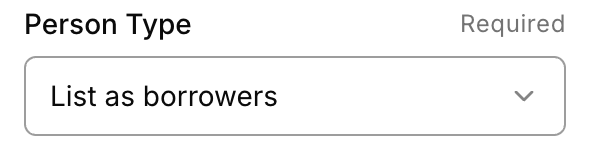
Person Type
Choose whether to list people as borrowers or as owners. Throughout this article we use List as borrowers because we're looking at loan activity, but List as owners is a separate view that lists people based on the properties they own.
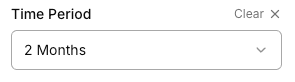
Time Period
How far to look back for loan activity in the table. For example, if 3 months is selected the statistics shown will only reflect activity from the past 3 months.
Location
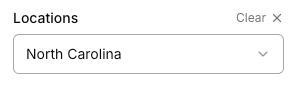
Filter by the region, state, county, or city where the borrower's loans were originated. You can select any combination of locations.
Amount
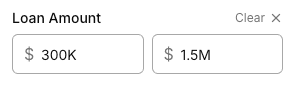
Only show borrowers that have loans in a specific amount range.
Lender Type
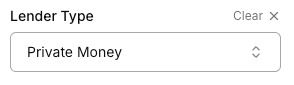
Filter activity to a specific lender category, such as Private Money, Bank, Credit Union, or Government.
By default, the People page shows borrowers with Private Money loans.
Top Lenders
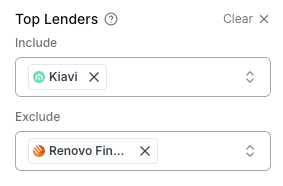
Omit or explicitly include borrowers based on their top lenders. This is useful for including/excluding lenders that you do or do not want to compete with.
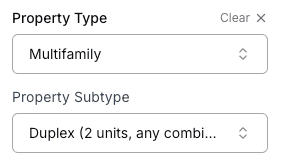
Property Type
Filter by borrowers based on the property types their loans are secured by.
Property types come from county assessor data and can be inaccurate or outdated. We recommend using Property Type only and avoiding Property Subtype.
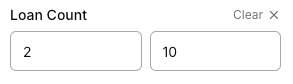
Loan Count
Focus on smaller or non-institutional operators. For example, to find borrowers with three or fewer loans in the past year, set Max loans to 3.
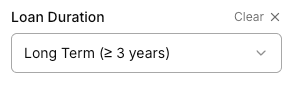
Loan Duration
Filter by the term length of the borrower's loans. For convenience this is set to short term or long term to differentiate Bridge / Fix & Flip / Construction vs Long term DSCR loans. It's important to note that sometimes loan maturity dates are not available, so this filter may omit results incorrectly.
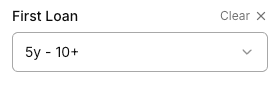
First Loan
Filter by when the borrower took out their first loan with the specified lender type. Use this to target borrowers by experience level. For example, set this filter to 0-1 years to get a list of new Private Money borrowers.
Business Purpose
Filter loans sponsored by a real person (Personal) or by a business entity (Business Purpose).