Guides
Saved Views
Save and manage table views.
Saved views let you save a table's current configuration — filters, sort order, and visible columns — so you can revisit it later and set alerts.
Saved views include filters, sort order, and visible columns.
Saving a View
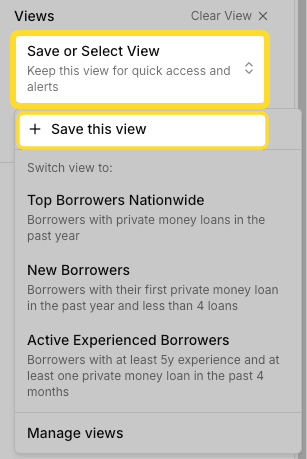
Click the Save or Select View at the top of the sidebar.
Then click Save this view.
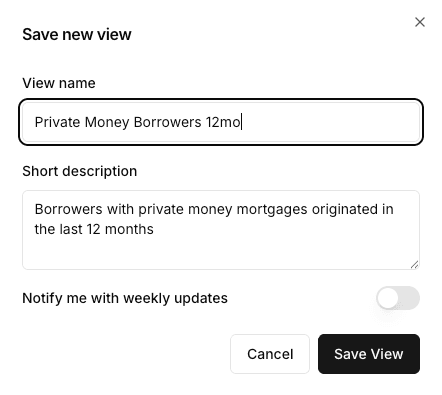
A popup will appear where you can name the view, add a description, and enable alerts.
Selecting a View
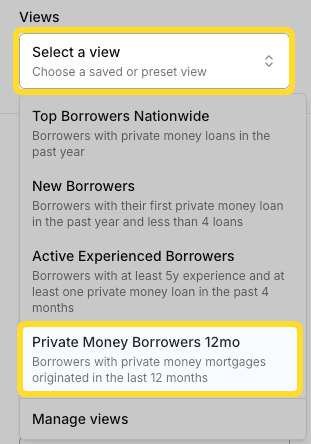
Once created, your saved views will appear in the Save or Select View dropdown. Click a view to apply it.
Managing Views
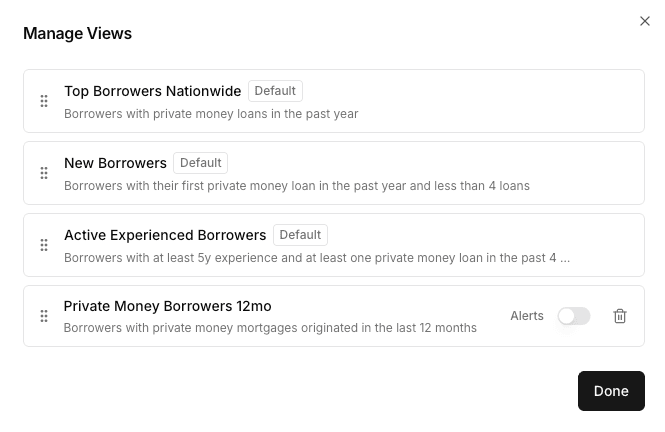
Click Manage Views to edit, reorder, or delete your saved views.