
Guides
Alerts
Get notified when there are changes to your saved views or borrower activity.
Alerts track changes to saved views and notify you when new results appear. Alerts are sent weekly to your account email.
Enabling Alerts
To enable alerts, first create a saved view. Then toggle alerts on from the Manage Views popup, or directly on a saved view when it is selected.
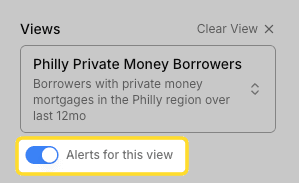
Alerts can only be enabled on saved views with fewer than 50,000 results.
Person Quick Alerts
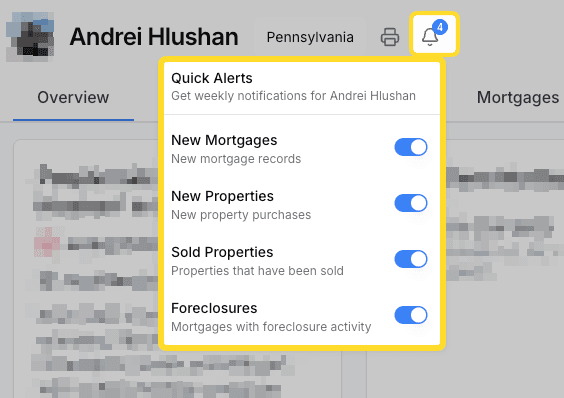
The person page has options for quick alerts using the bell icon in the top bar. Person quick alerts let you subscribe to new mortgages, new properties, sold properties, or foreclosures for a specific person across all of their operating entities.
Managing Alerts
View and manage all of your active alerts from the Saved Views settings page.