
Researching a Borrower
Search borrowers directly by their name and see all of their activity.
Research a borrower's loan history, associated entities, propeties owned, and more.
Click here for an interactive demo of the person profile page.
Look up a borrower
-
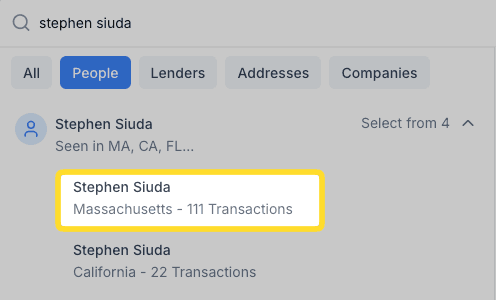
Search for the person by name in the search box.
-
In the search results, click the arrow to expand (if there are multiple state results).
-
Select the state where the person is located.
Profile overview
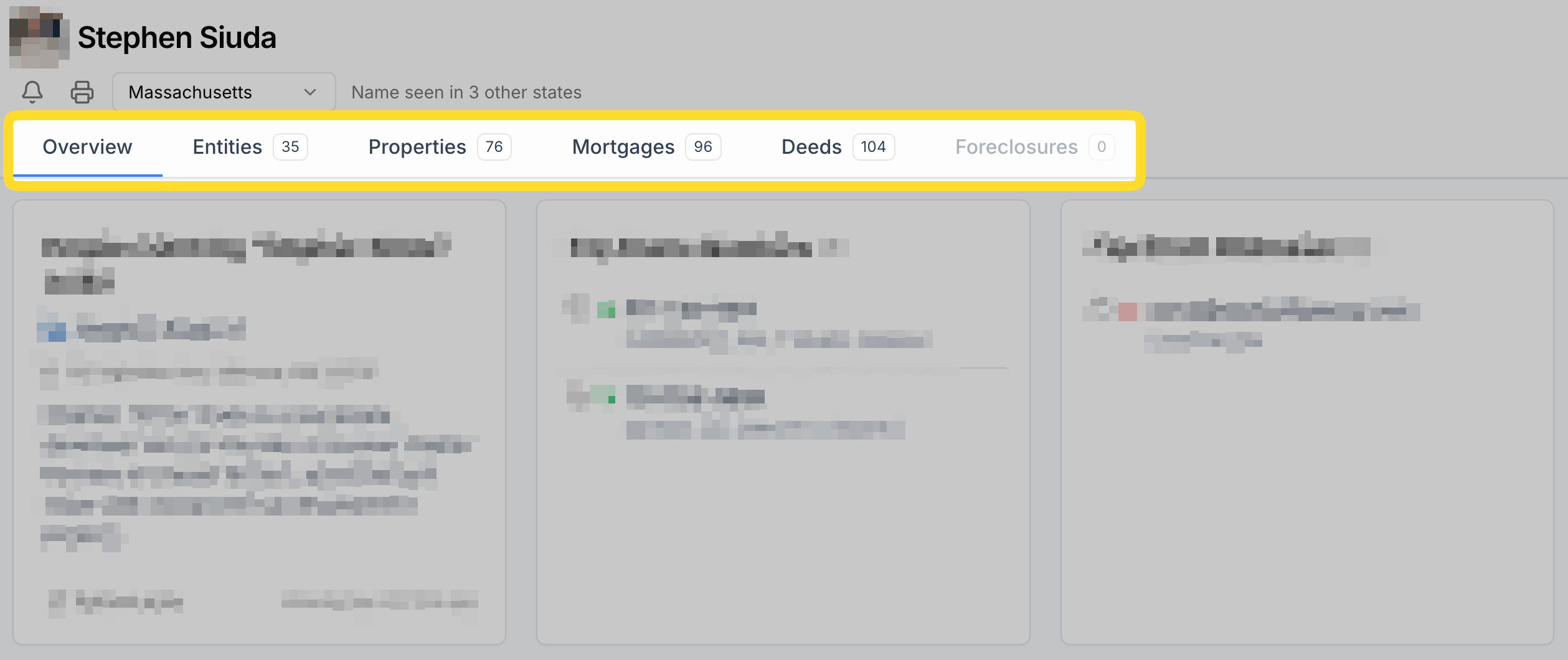
Once you open a borrower's profile, use the tabs - Overview, Entities, Properties, Mortgages, Deeds, and Foreclosures - to explore different aspects of their activity.
The state selector at the top shows if the name has been seen in other states. Each name and state combination has its own isolated profile, so switching states will show activity specific to that state.
Associated companies
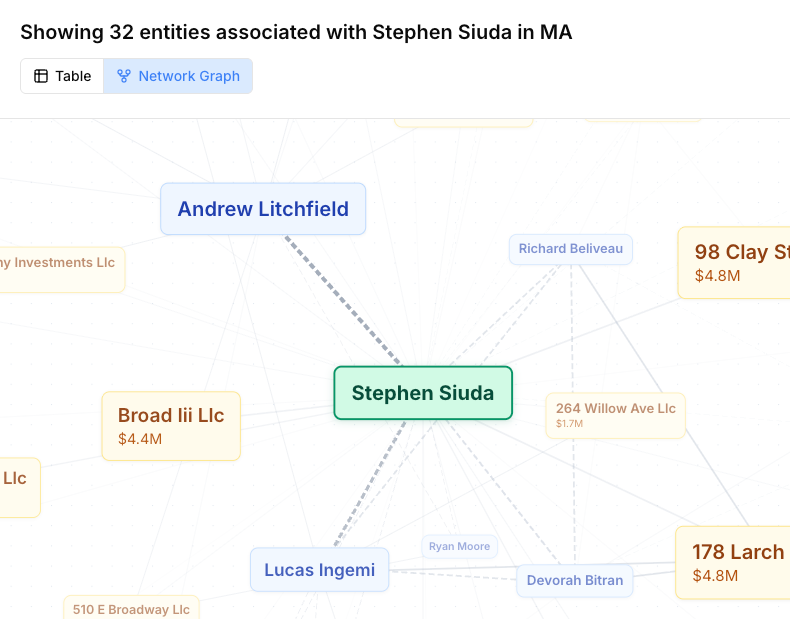
To see all companies associated with the borrower, click the Entities tab.
You can view details such as the Entity Name, or company name, and how the person is connected to each company.
How entity associations are determined
There are three types of Sources that tell you how the borrower is connected to each company:
● AI Signature Extraction - We extract and analyze signatures from over 100 million recorded mortgage document images. When someone signs a deed or mortgage for an entity, that signature links the entity to the individual who actually controls it.
● Secretary of State Filings - We cross-reference corporate filings from all 50 states, filtering out registered agents and nominees to identify true beneficial owners. This technique omits registered agents and nominees.
● AI Web Research - Our AI research systems verify and enrich data using investigative techniques: searching public records, cross-referencing sources, and following ownership trails consistently across millions of entities.
To see coverage for each of these data sources, look at the coverage page. Different techniques carry different levels of coverage for each state and county.
Properties (Real Estate Owned)
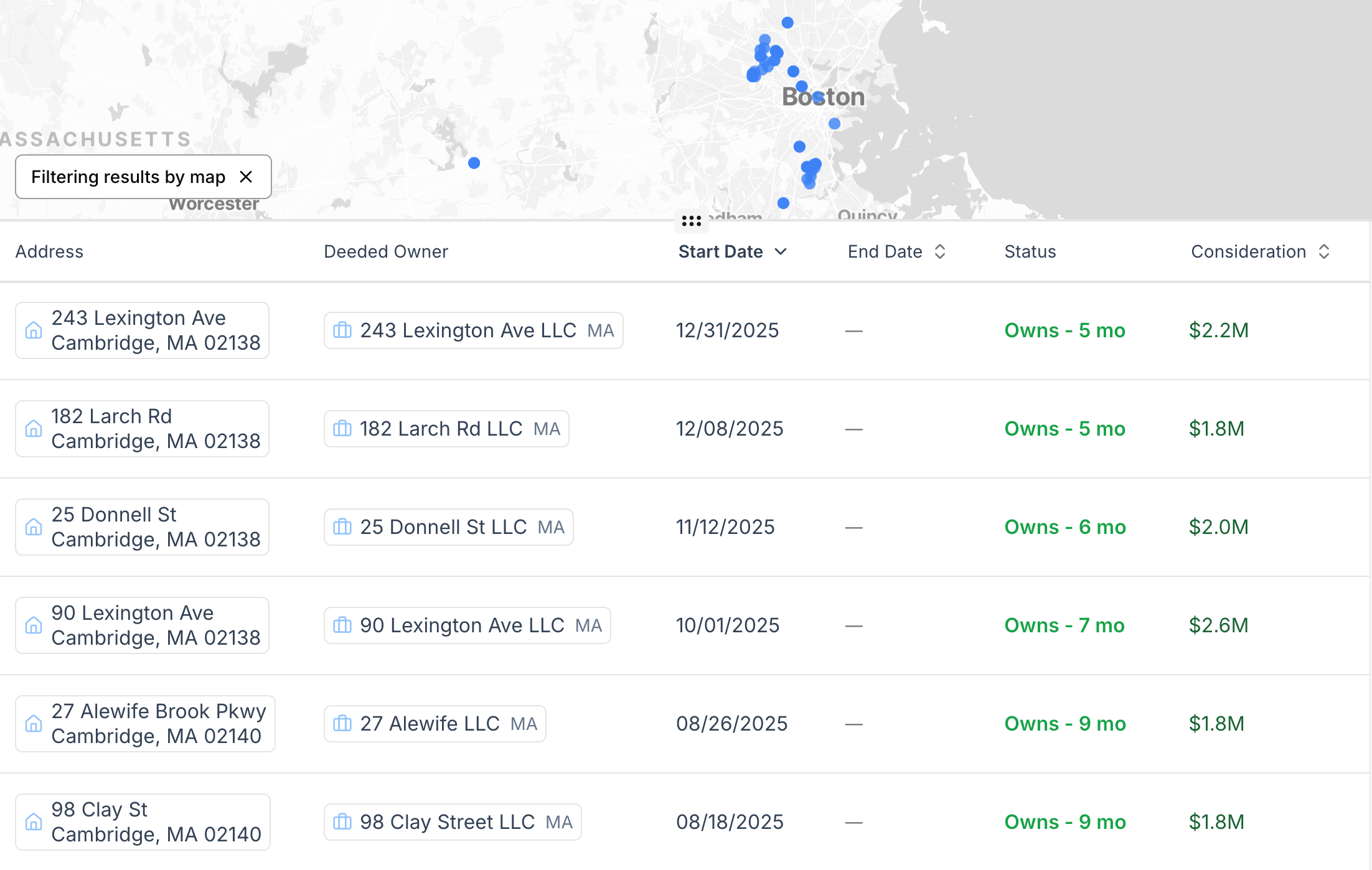
To see real estate associated with the borrower, click the Properties tab.
Note the start / end dates of ownership. The status column summarizes this and shows if the property is currently owned or has been sold and for how long it was held.
Associated mortgages
To see all mortgages associated with the borrower, click the Mortgages tab.
Note the "Status" column shows if the mortgage has been paid off. Some lenders do not record releases in a timely manner (or in some cases, at all), so you may see a mortgage that is still listed as "Active" even though it has been paid off.

Mortgage Exposure
The exposure chart plots a borrower's mortgage exposure over time, based on the mortgages tied to that individual. As we identify releases and payoffs (recorded as "satisfactions" in public records), we attempt to tie each one back to its affiliated mortgage and reflect it in the chart.
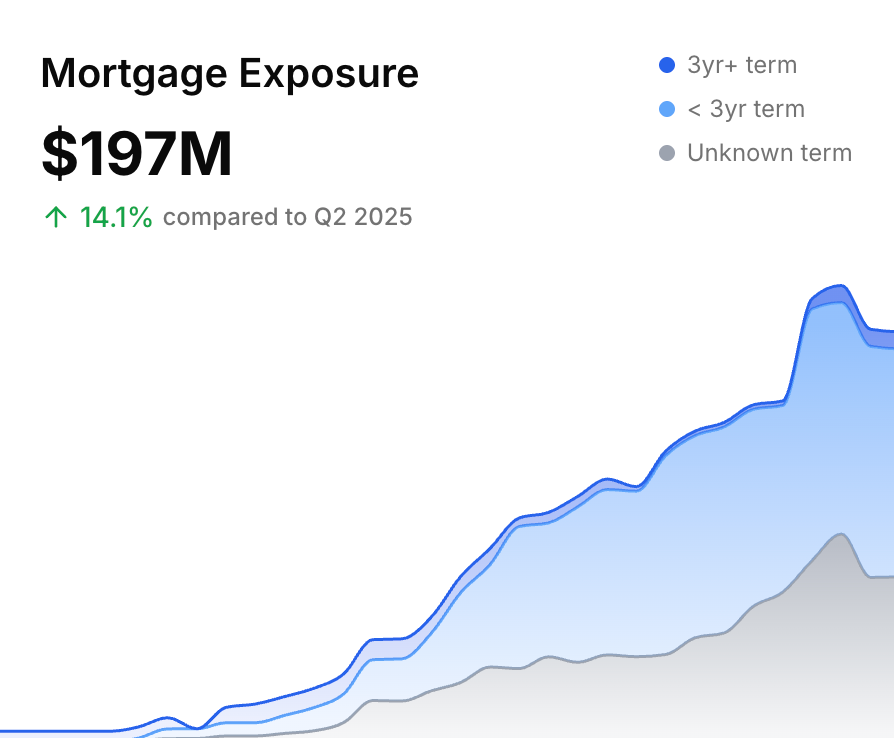
Two things can cause a loan to appear open when it has actually been paid off. First, many lenders don't record satisfactions promptly - or at all - so the release may never reach public records. Second, when a satisfaction can't be confidently linked to a specific mortgage (usually due to insufficient or unclear data), we leave it out rather than guess. As a result, the chart tends to over-report rather than under-report exposure.
Read the chart for trajectory and shape, not exact totals. It's most useful for spotting abnormal ramp-ups and for seeing how the debt breakdown (short-term, long-term, and unknown terms) shifts over time.