
Organization & Billing
Inviting New Members
Learn how to invite new users to your Elementix organization.
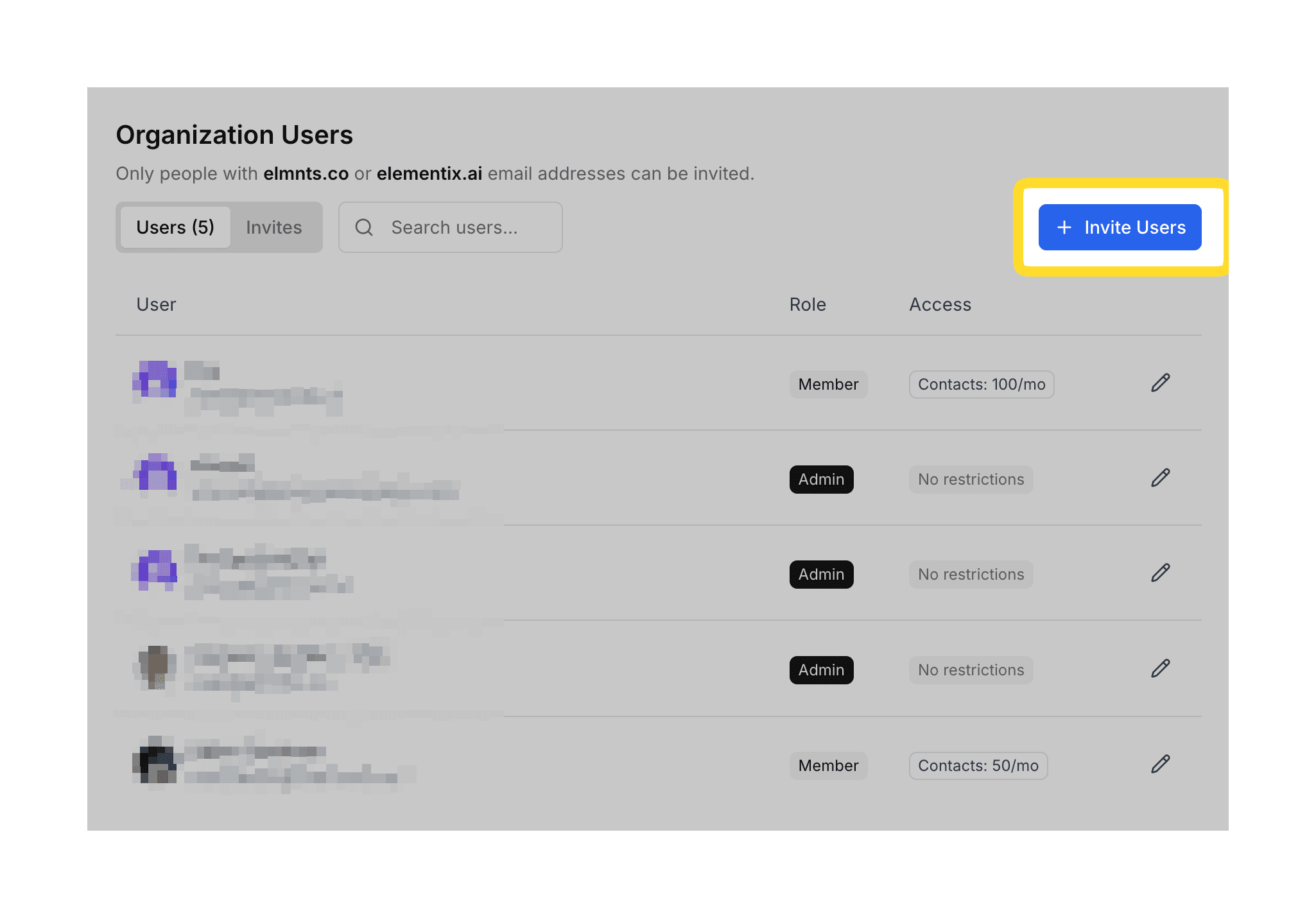
To invite new members to your organization, go to the Organization tab.
Send Invitations
- In the Organization Members section, click the Invite button.
- Enter the email address. To invite multiple users, enter their email addresses separated by spaces or commas.
- Select the Role you want to assign the new user(s).
- Click the Send invitations button. The users will receive an email with instructions to join your organization.
To learn about the difference between Admin and Member roles, see Managing Permissions.