Managing Permissions
Understand roles, change user permissions, and manage members in your organization.
To manage user permissions, go to the Organization tab.
Roles
Your organization has two roles that determine what users can access:
| Feature | Admin | Member |
|---|---|---|
| Unlimited website access | ✓ | ✓ |
| Bulk exports | ✓ | ✓* |
| Contact unlock usage | ✓ | ✓* |
| Document unlock usage | ✓ | ✓* |
| Billing management | ✓ | ✗ |
| Organization settings | ✓ | ✗ |
| Invite and manage members | ✓ | ✗ |
* Admins can limit or disable contact and document unlock usage per member. Bulk exports can also be configured on or off per member.
Change a User's Role
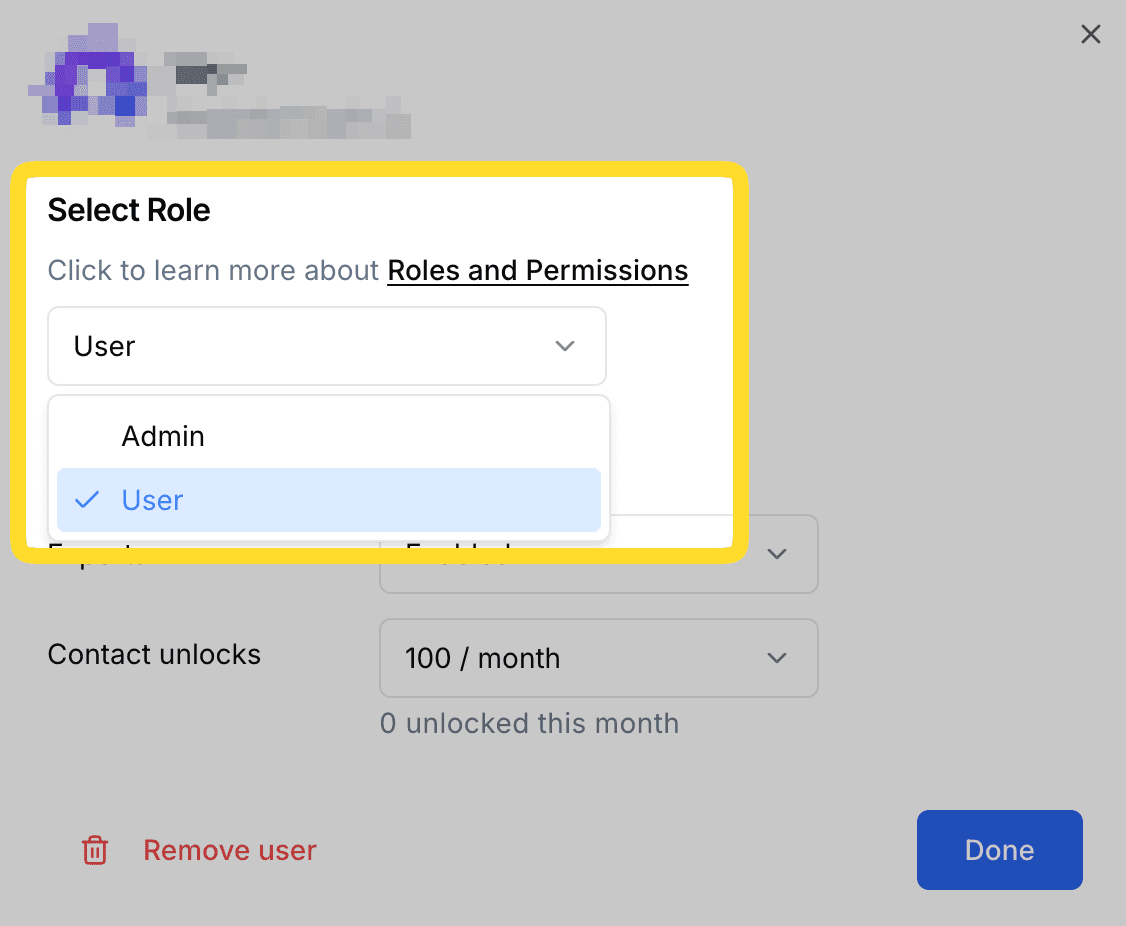
In the members list, select a Role from the dropdown list.
Edit Usage Controls
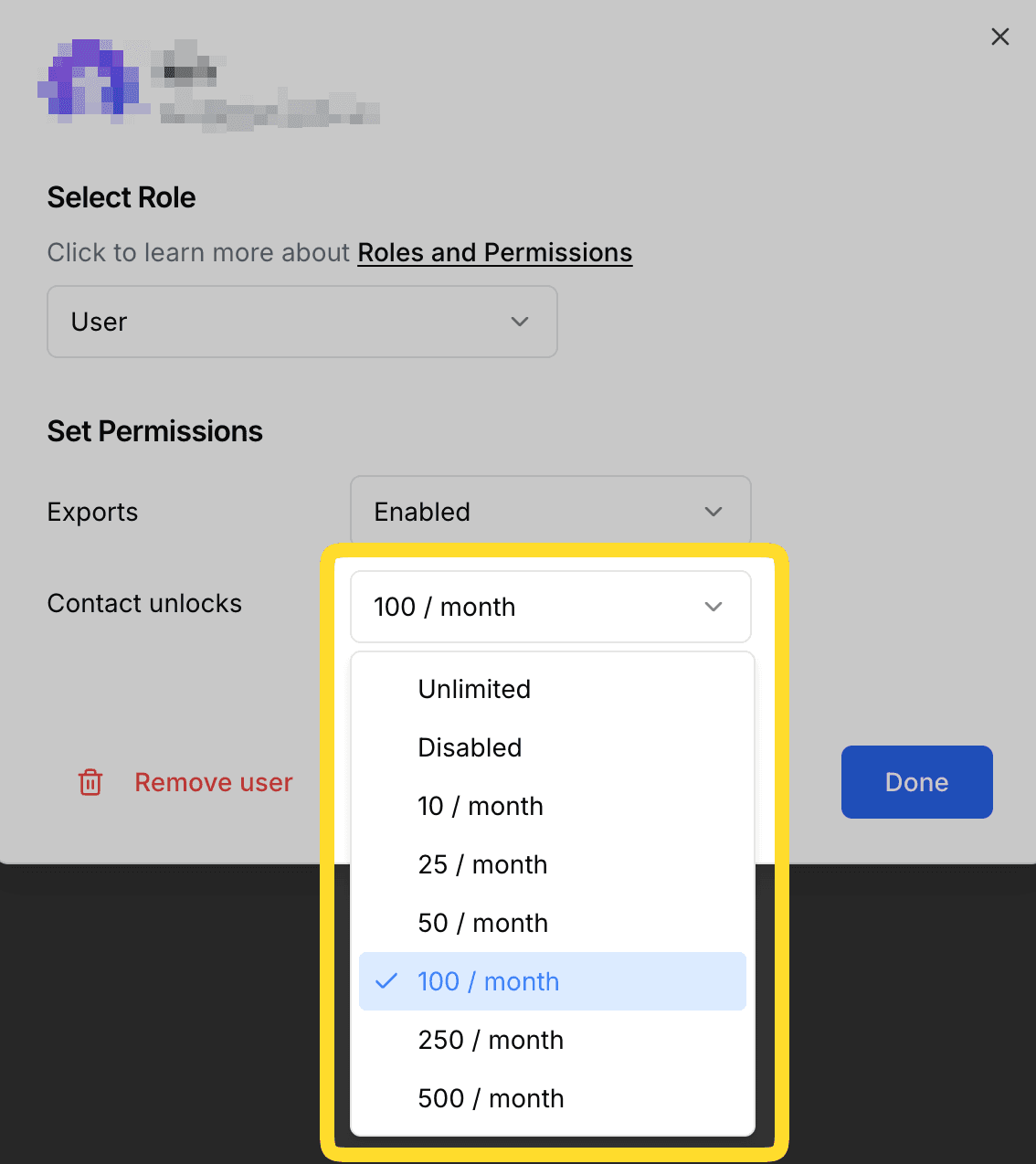
In the members list, click into a member's usage controls to set their Contact Unlock Allowance and Document Unlock Allowance. Each can be metered, disabled, or unlimited on a per-user basis.
Users with "Disabled" allowances can still see all of the organization's existing unlocks, but cannot consume new unlocks. Learn more about contact unlock usage and document unlock usage.
Remove a Member
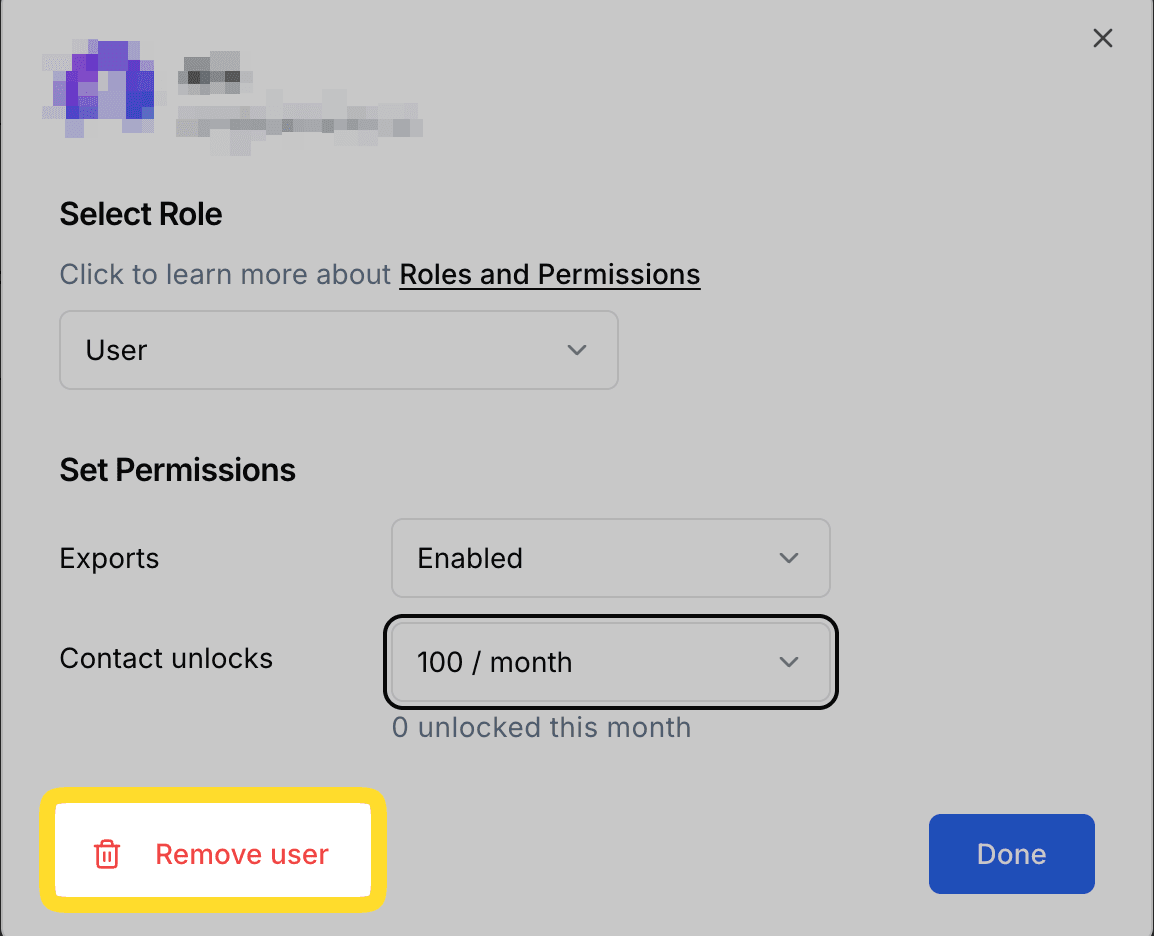
Click on a user in the members list then click the Remove member button.